

Technology is one of the biggest drivers of employee productivity. But as devices age, they become slower, less secure, and more expensive to support. A well-planned technology refresh ensures your workforce has the tools they need while minimizing downtime and keeping business operations running smoothly.
The challenge isn't replacing the hardware—it's coordinating the people, processes, and logistics behind the deployment.
At Murphy, McKay & Associates, we've supported organizations through company-wide technology refreshes ranging from a handful of employees to thousands of end users. The difference between a stressful rollout and a seamless one always comes down to preparation.
Why Refresh Your Technology?
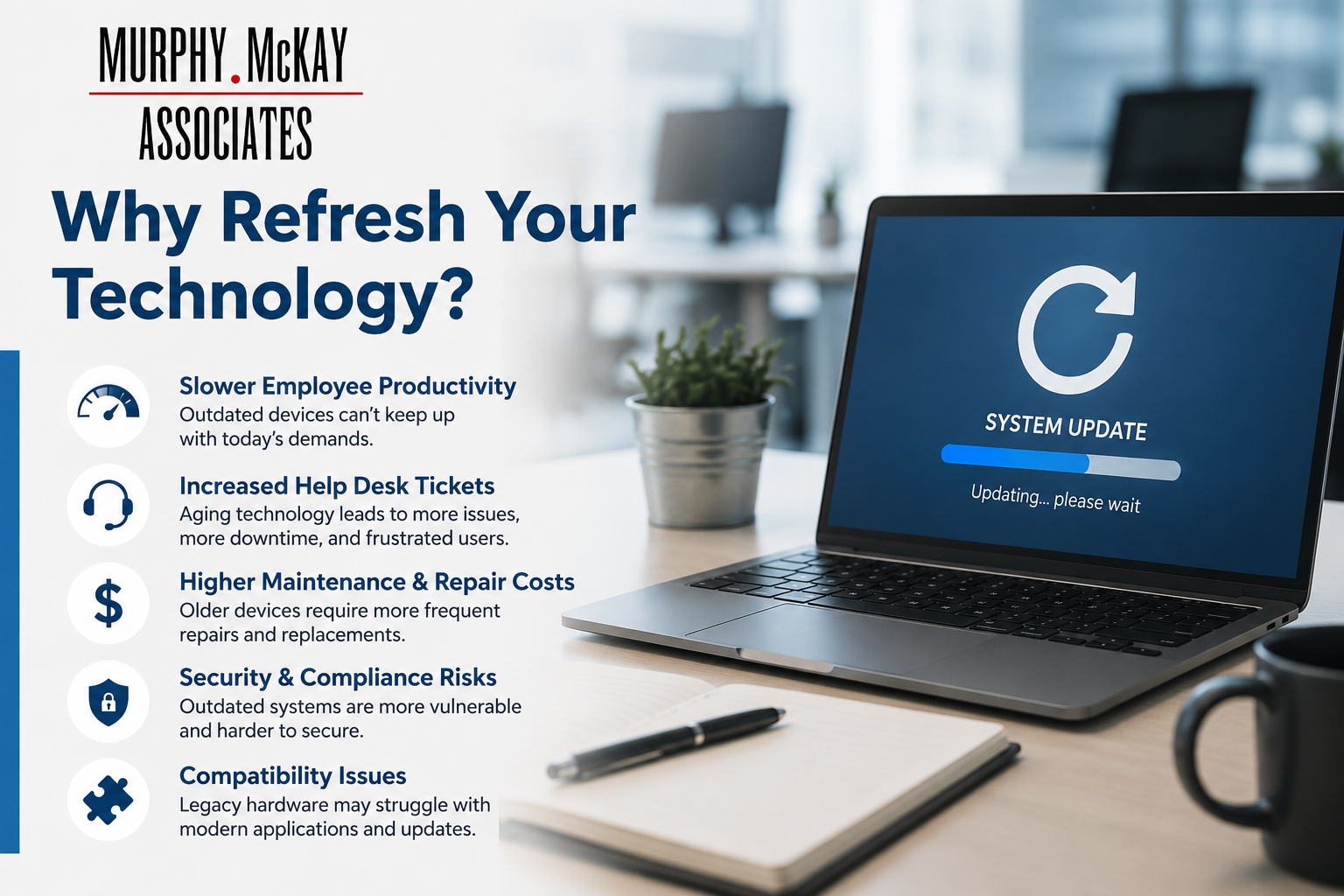
Delaying hardware replacements can lead to:
- Slower employee productivity
- Increased help desk tickets
- Higher maintenance and repair costs
- Security and compliance risks
- Compatibility issues with modern applications
Refreshing devices on a regular lifecycle helps organizations reduce unexpected failures while giving employees a consistent, reliable experience.
The Key Elements of a Successful Tech Refresh
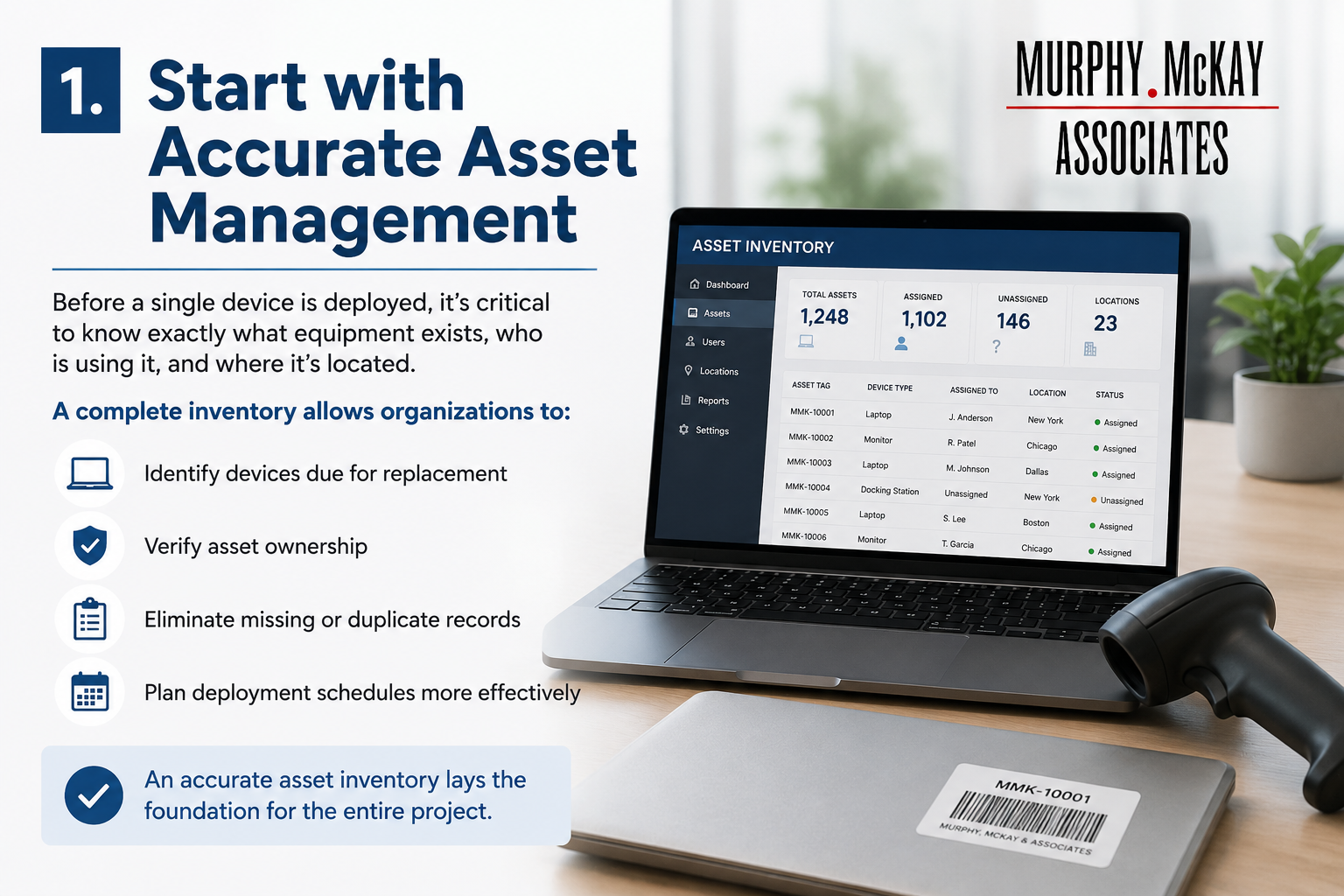
1. Start with Accurate Asset Management
Before a single device is deployed, it's critical to know exactly what equipment exists, who is using it, and where it's located.
A complete inventory allows organizations to:
- Identify devices due for replacement
- Verify asset ownership
- Eliminate missing or duplicate records
- Plan deployment schedules more effectively
An accurate asset inventory lays the foundation for the entire project.
2. Build and Test Every Device Before Deployment
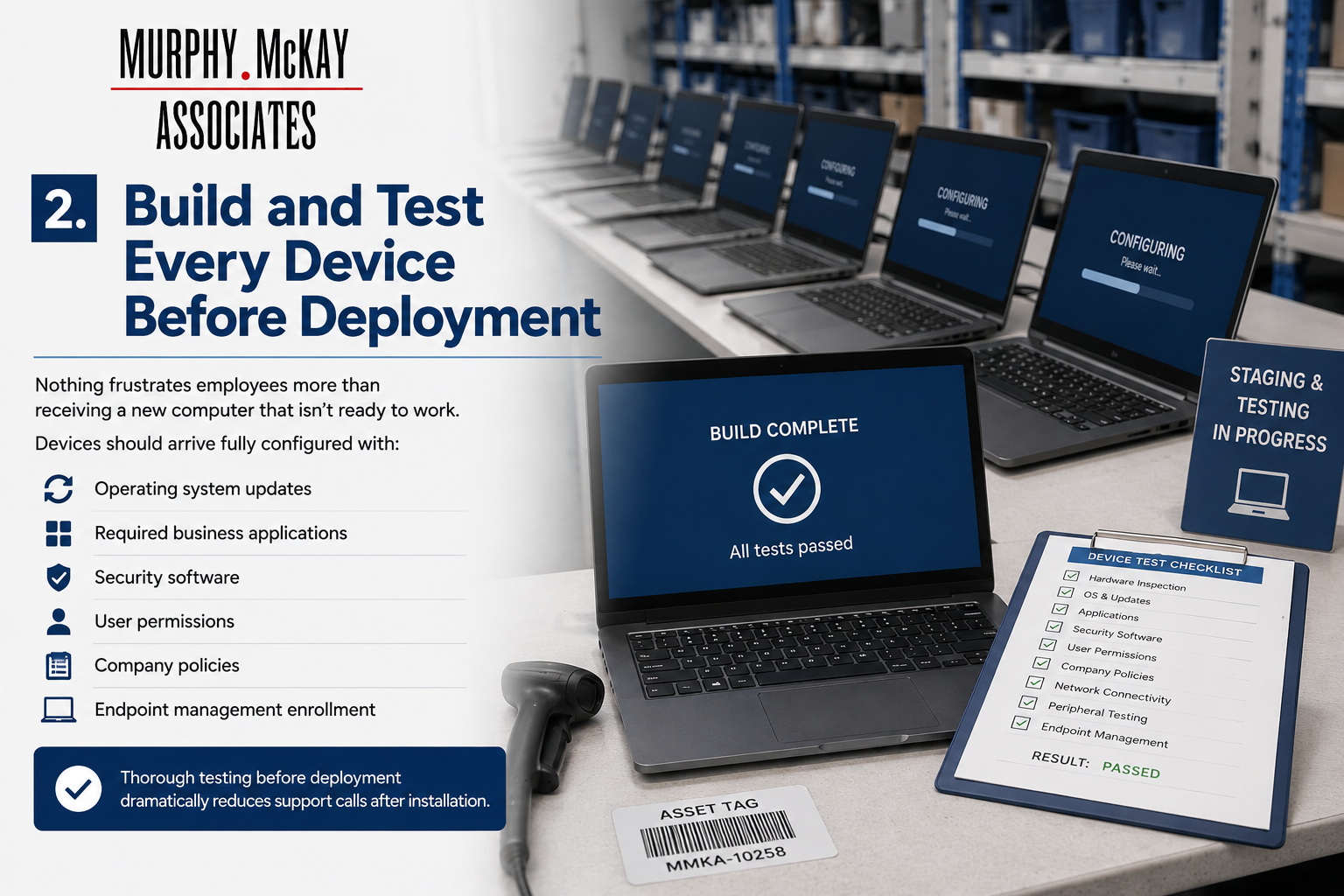
Nothing frustrates employees more than receiving a new computer that isn't ready to work.
Devices should arrive fully configured with:
- Operating system updates
- Required business applications
- Security software
- User permissions
- Company policies
- Endpoint management enrollment
Thorough testing before deployment dramatically reduces support calls after installation.
3. Coordinate Logistics Carefully
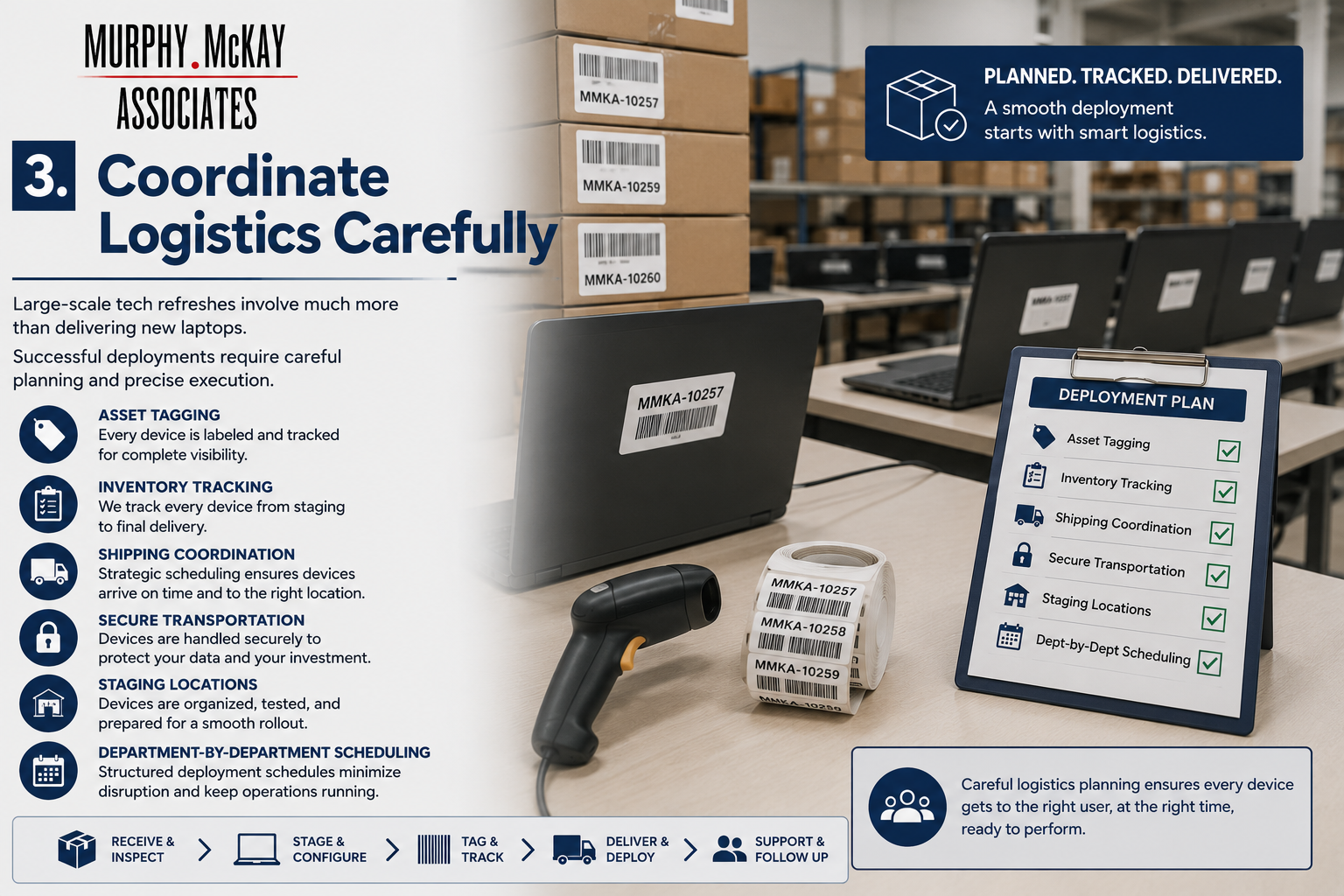
Large-scale refreshes involve much more than delivering new laptops.
Successful deployments require:
- Asset tagging
- Inventory tracking
- Shipping coordination
- Secure transportation
- Staging locations
- Department-by-department scheduling
A structured deployment schedule prevents bottlenecks and keeps business operations moving.
4. Keep End Users Informed
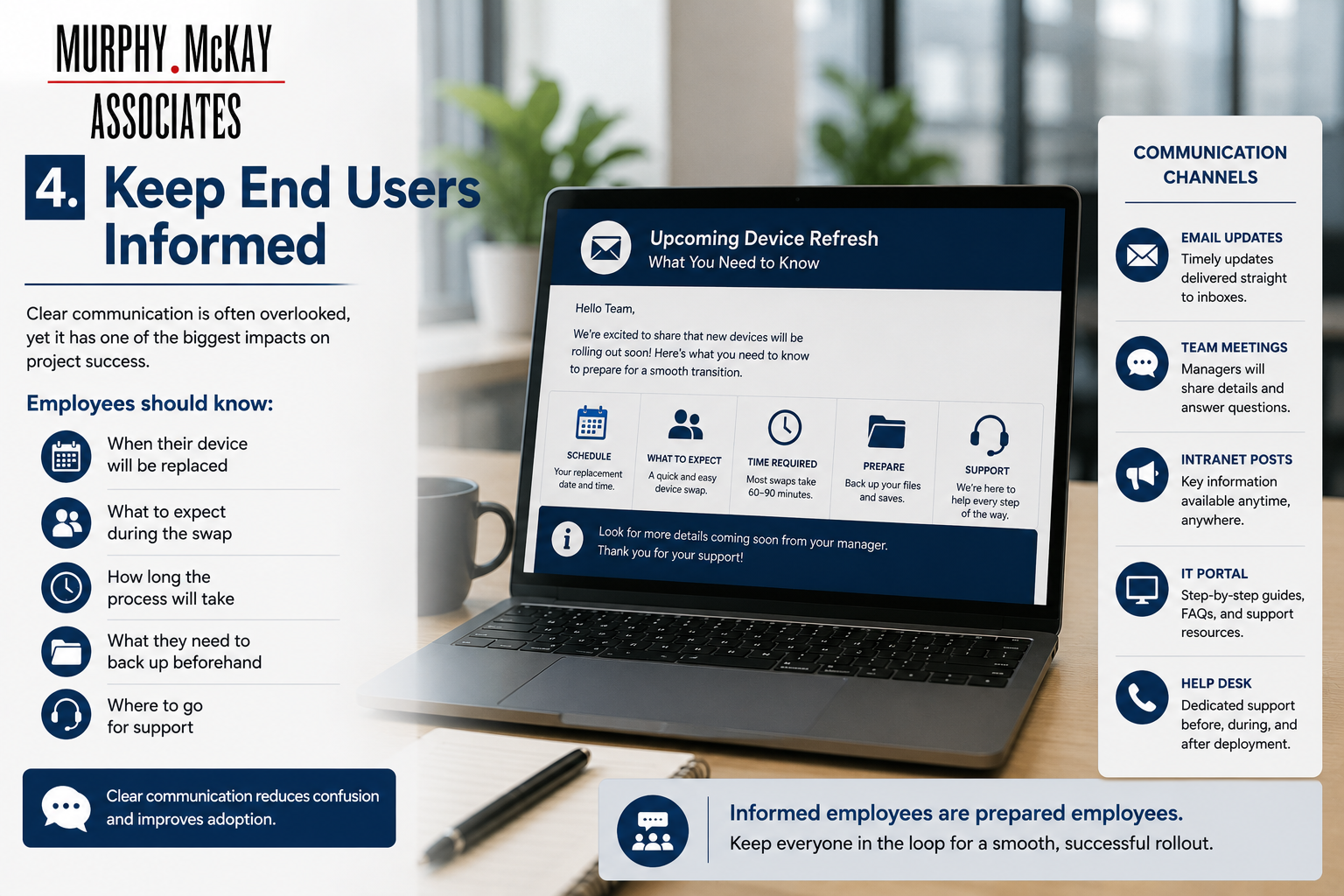
Communication is often overlooked, yet it has one of the biggest impacts on project success.
Employees should know:
- When their device will be replaced
- What to expect during the swap
- How long the process will take
- What they need to back up beforehand
- Where to go for support
Clear communication reduces confusion and improves adoption.
5. Provide On-Site Support During Deployment
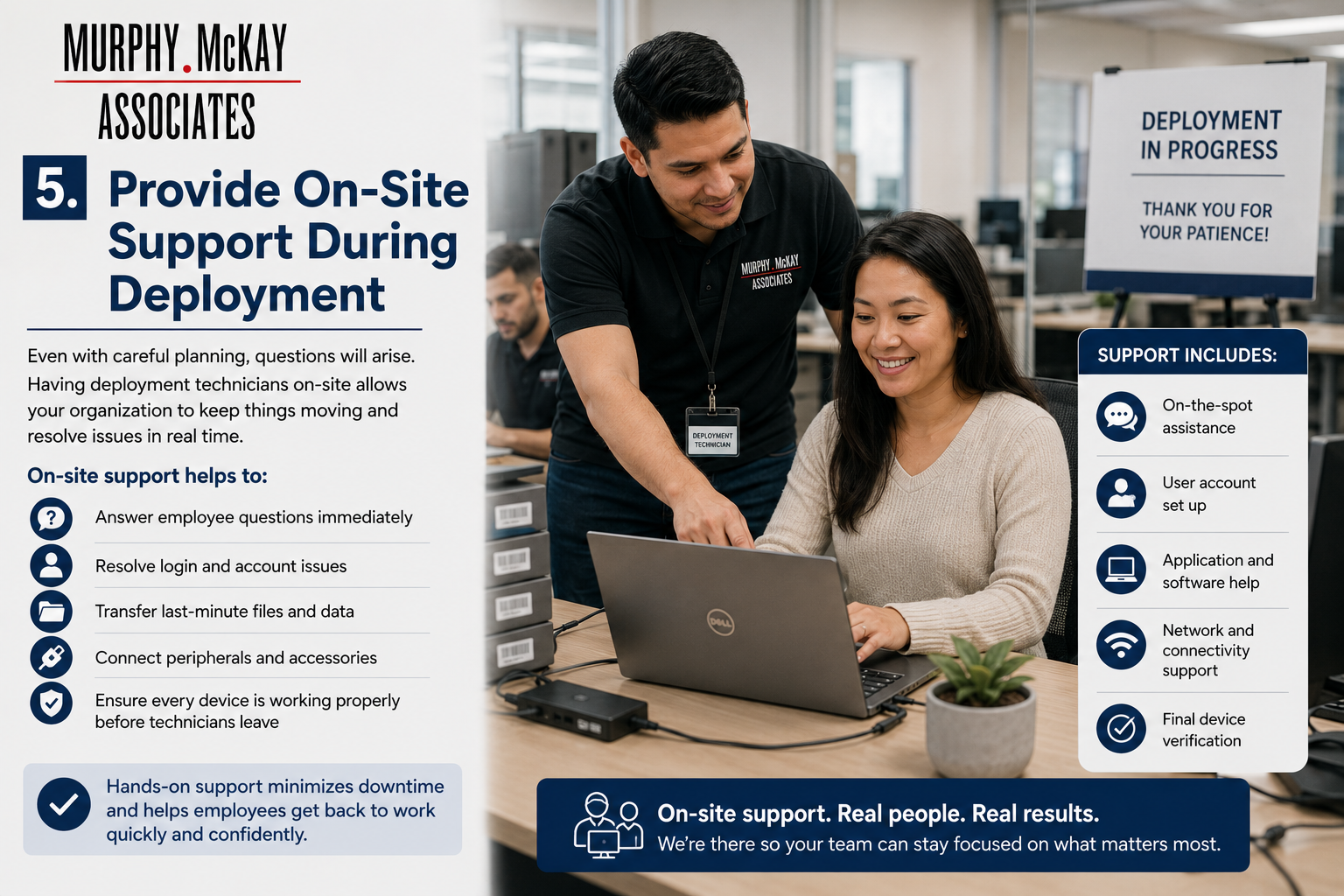
Even with careful planning, questions will arise.
Having deployment technicians available during rollout allows organizations to:
- Answer employee questions immediately
- Resolve login issues
- Transfer last-minute files
- Connect peripherals
- Ensure every workstation is functioning before technicians leave
This hands-on support minimizes downtime and helps employees return to work quickly.
6. Securely Retire Legacy Equipment
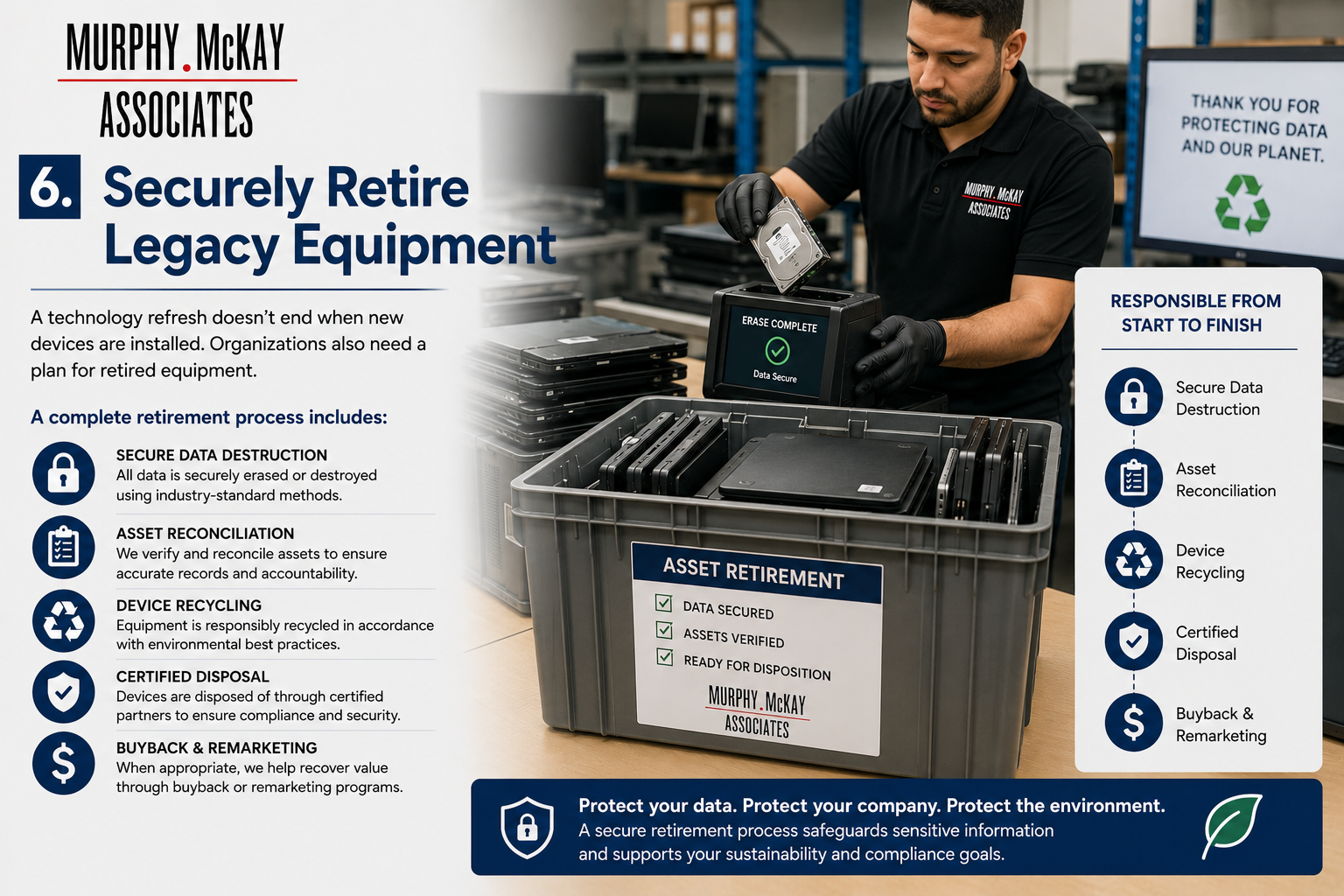
A technology refresh doesn't end when new devices are installed.
Organizations also need a plan for retired equipment, including:
- Secure data destruction
- Asset reconciliation
- Device recycling
- Certified disposal
- Buyback or remarketing opportunities when appropriate
Proper disposition protects sensitive data while maintaining compliance with organizational policies.
The Value of an Experienced Deployment Partner
Managing hundreds—or even thousands—of device replacements requires coordination across IT, facilities, logistics, and end users. Working with an experienced deployment partner helps reduce risk, streamline execution, and keep projects on schedule.
At Murphy, McKay & Associates, our deployment teams support every stage of the technology refresh process, including:
- Device imaging and configuration
- Asset tagging and inventory management
- Logistics coordination
- Company-wide device distribution
- On-site deployment technicians
- End-user support
- Asset recovery and secure disposition
Whether your organization is refreshing 100 devices or 10,000, having the right processes and experienced personnel in place can make the transition virtually invisible to your employees.
Ready for Your Next Tech Refresh?
A successful technology refresh is about more than replacing hardware—it's about delivering a seamless experience that keeps your business productive from start to finish.
If your organization is planning an upcoming refresh, Murphy, McKay & Associates can help you simplify the process with experienced deployment teams, proven logistics, and end-to-end project support.
Contact us today to learn how we can help make your next technology refresh efficient, organized, and disruption-free.