

Moving an office involves a lot of moving parts, but your technology shouldn’t be the source of added stress. A successful IT relocation requires careful planning, clear communication, and coordination well before moving day.
From inventory and labeling to disconnects, cabling, reconnects, and final testing, every step matters. With the right plan in place, your employees can arrive at the new office with their technology ready to go.
Start With a Complete IT Inventory
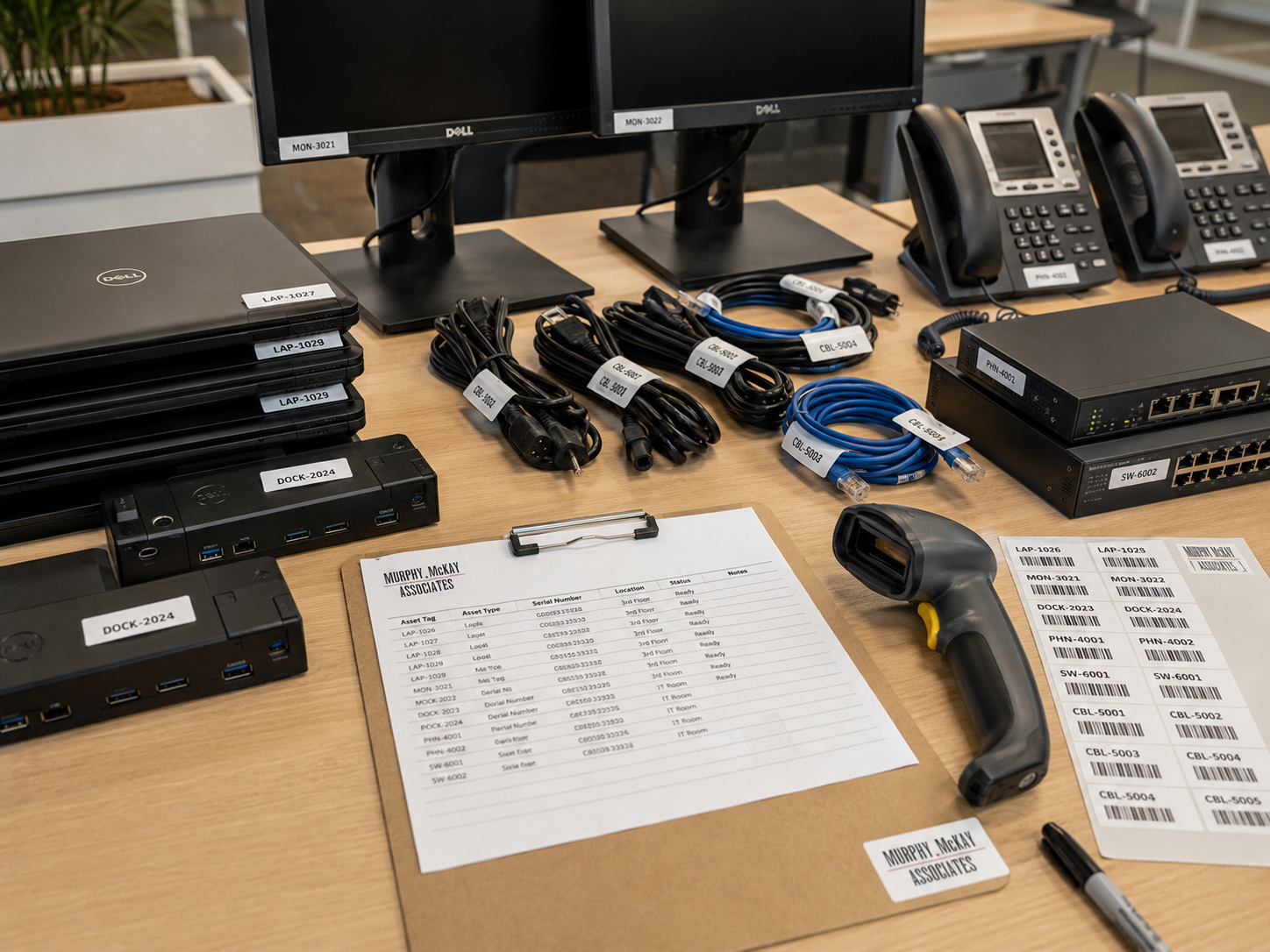
Before anything is disconnected, you need to know exactly what is being moved.
Create an inventory of workstations, monitors, phones, printers, network equipment, servers, peripherals, and other technology. Each device should be documented and matched to the employee or department it belongs to.
A detailed inventory helps prevent equipment from being misplaced and makes it much easier to recreate each workstation at the new location.
Label Everything
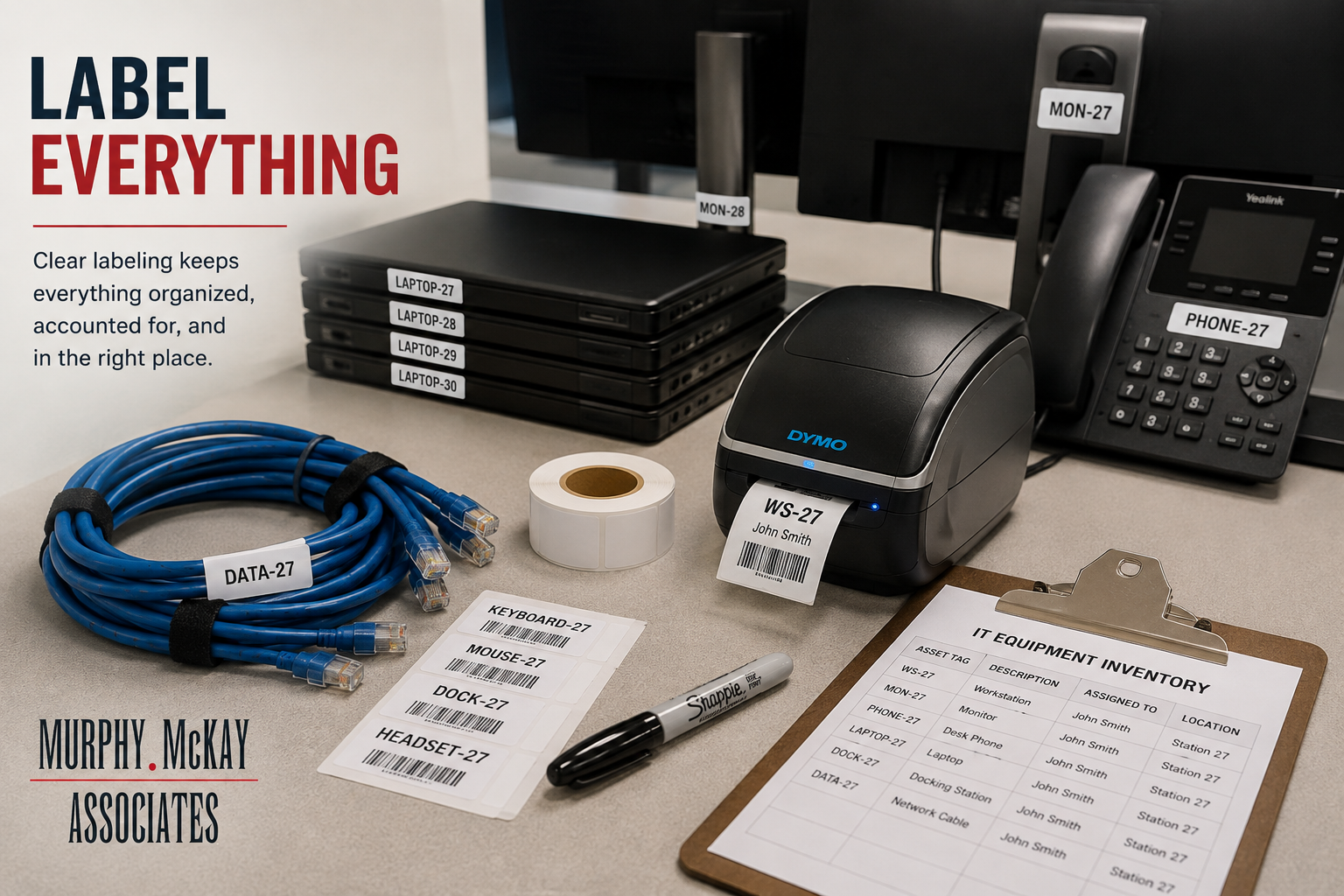
Labeling is one of the simplest steps in an IT relocation, but it is also one of the most important.
Computers, monitors, docking stations, phones, cables, and peripherals should all be clearly labeled before they leave the existing office. Labels can include information such as the employee name, workstation number, department, and destination.
When hundreds of pieces of equipment are being moved at once, a consistent labeling system helps ensure that everything ends up exactly where it belongs.
Prepare the New Office Before Moving Day
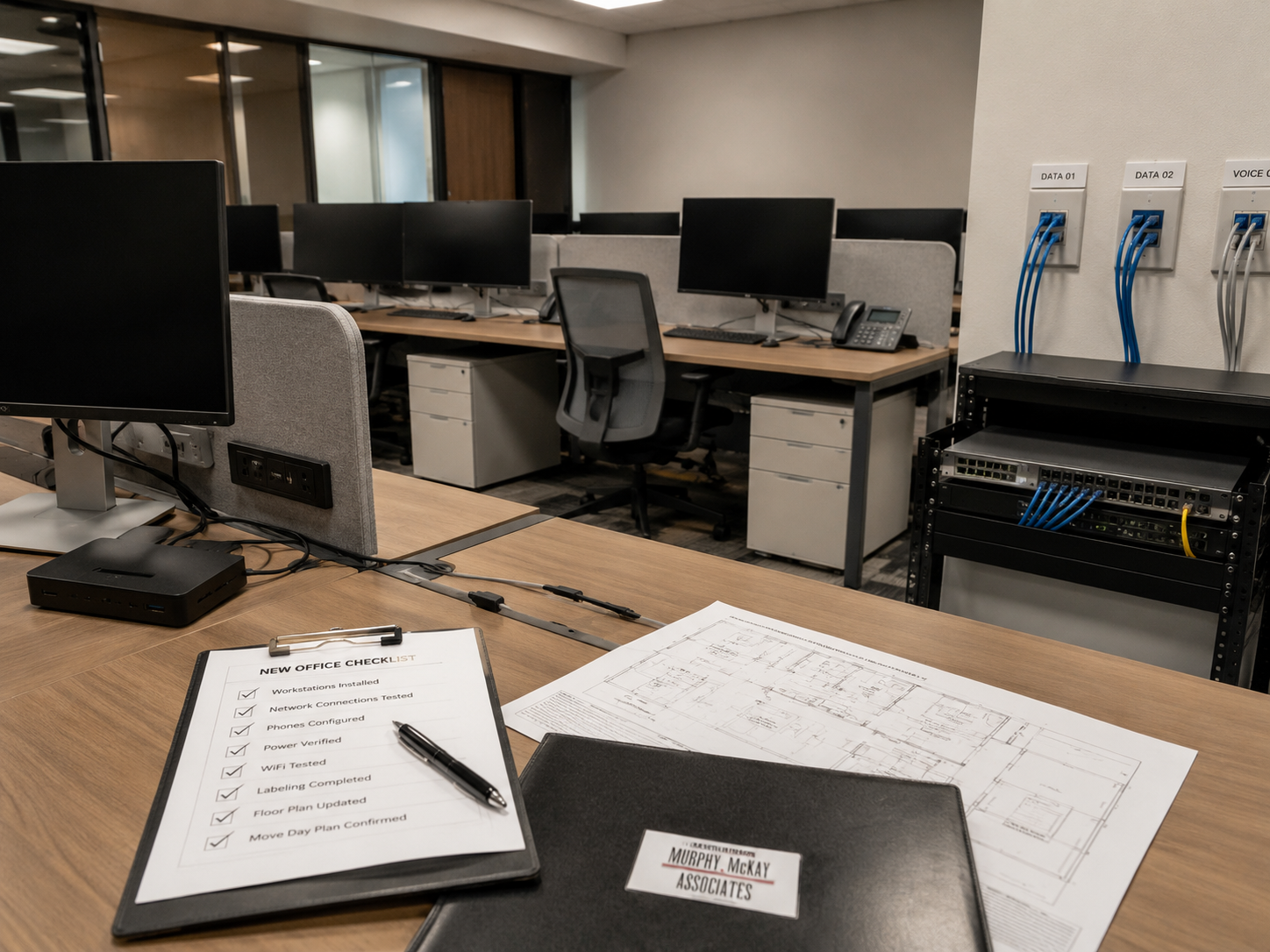
Your new space should be technology-ready before employees and equipment arrive.
That means confirming that network connections, power, wireless access, server rooms, telecommunications, and workstation locations are ready for installation.
Testing these systems ahead of time gives your team an opportunity to resolve problems before they affect employees.
The goal is simple: when equipment arrives, the infrastructure should already be ready for it.
Plan Your Disconnects Carefully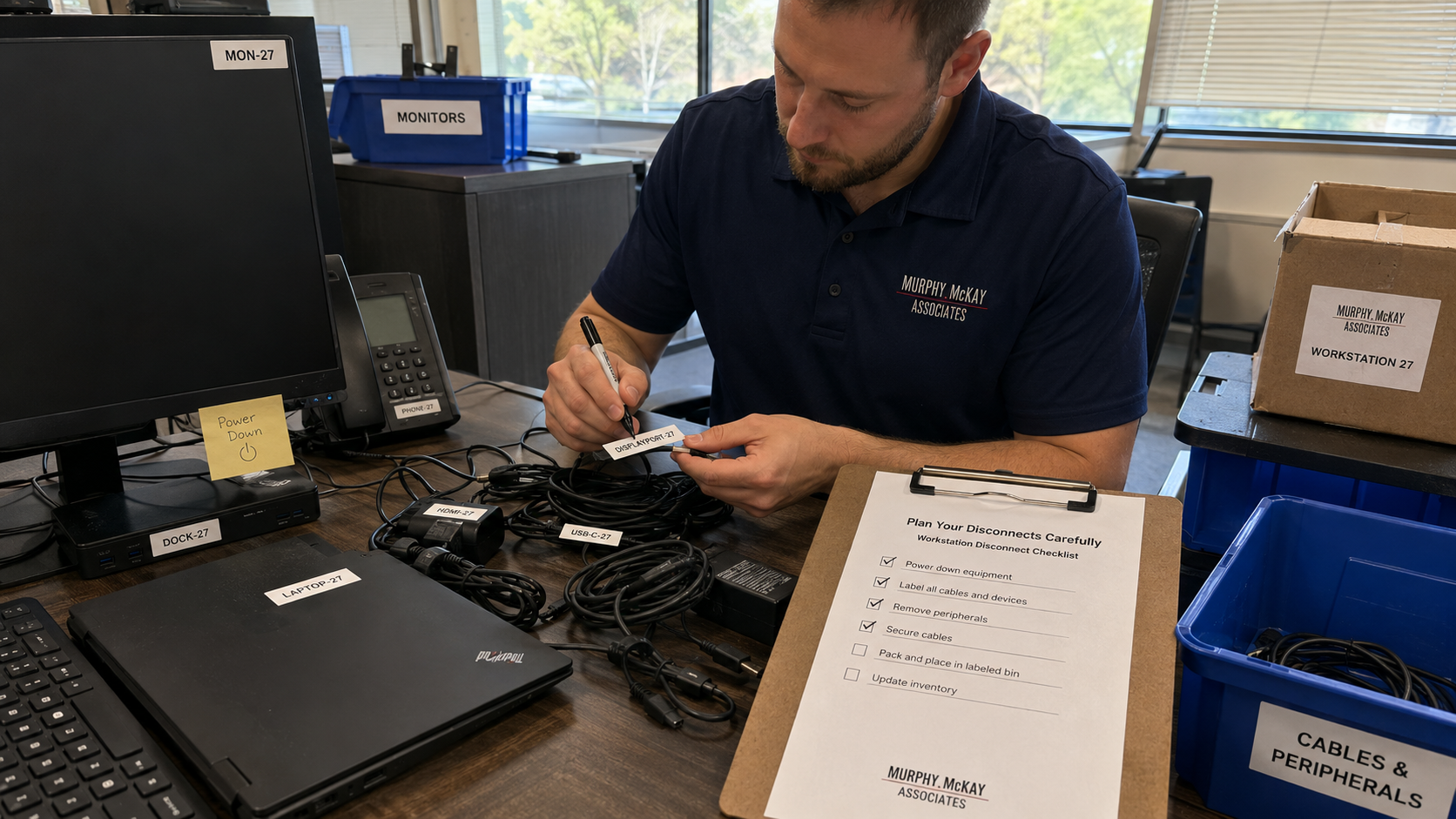
Disconnecting equipment involves more than simply unplugging cables.
Workstations need to be powered down correctly, peripherals organized, cables identified, and equipment prepared for transportation. Specialized technology may require additional handling or documentation.
A structured disconnect process reduces the chance of lost cables, damaged equipment, or confusion during installation at the new location.
Coordinate Cabling and Network Requirements
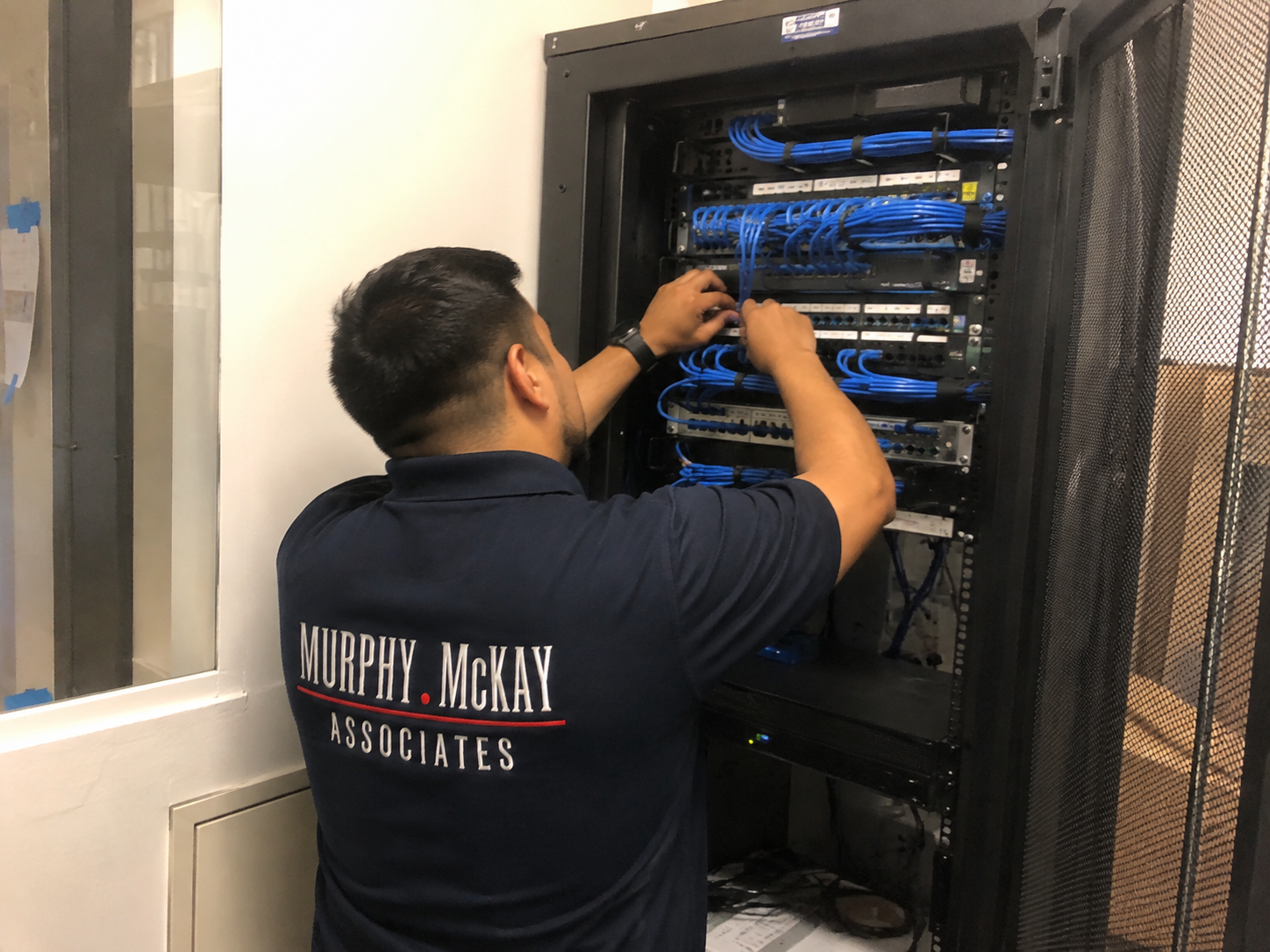
Your network is the foundation of the modern workplace.
Before the move, confirm that every workstation, conference room, printer, wireless access point, phone, and other connected device has the appropriate network infrastructure available.
Cables should also be organized and properly managed during installation. Good cable management does more than improve appearance—it makes troubleshooting and future changes much easier.
Reconnect Workstations in the Right Locations
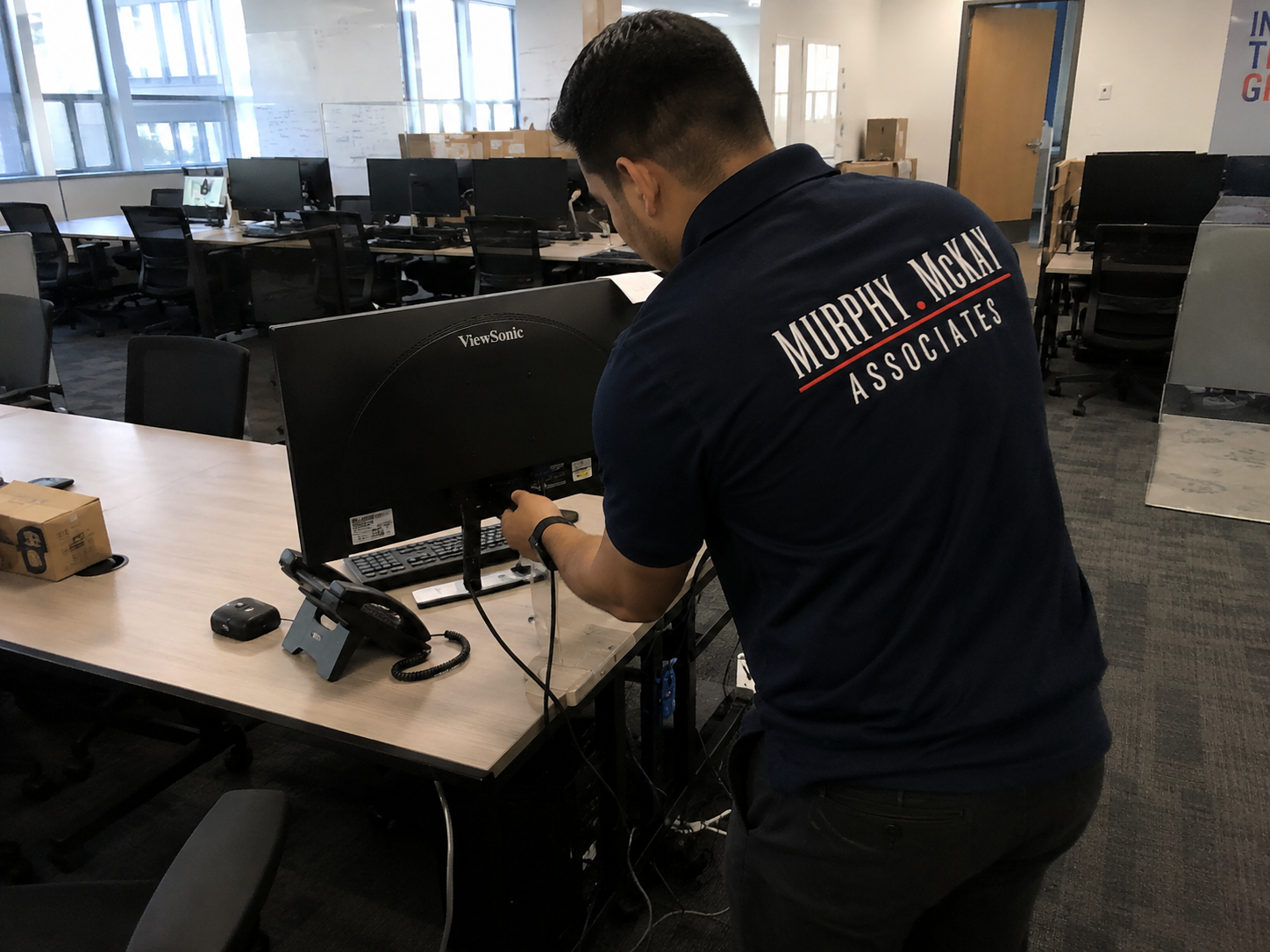
Once equipment reaches the new office, every workstation needs to be rebuilt according to the relocation plan.
Computers, monitors, docking stations, phones, keyboards, mice, and other peripherals should be matched with the correct employee and workstation.
Accurate labeling and inventory tracking become especially valuable during this stage. Instead of figuring out where equipment belongs after it arrives, technicians can immediately begin reconnecting and configuring each workstation.
Test Every Workstation
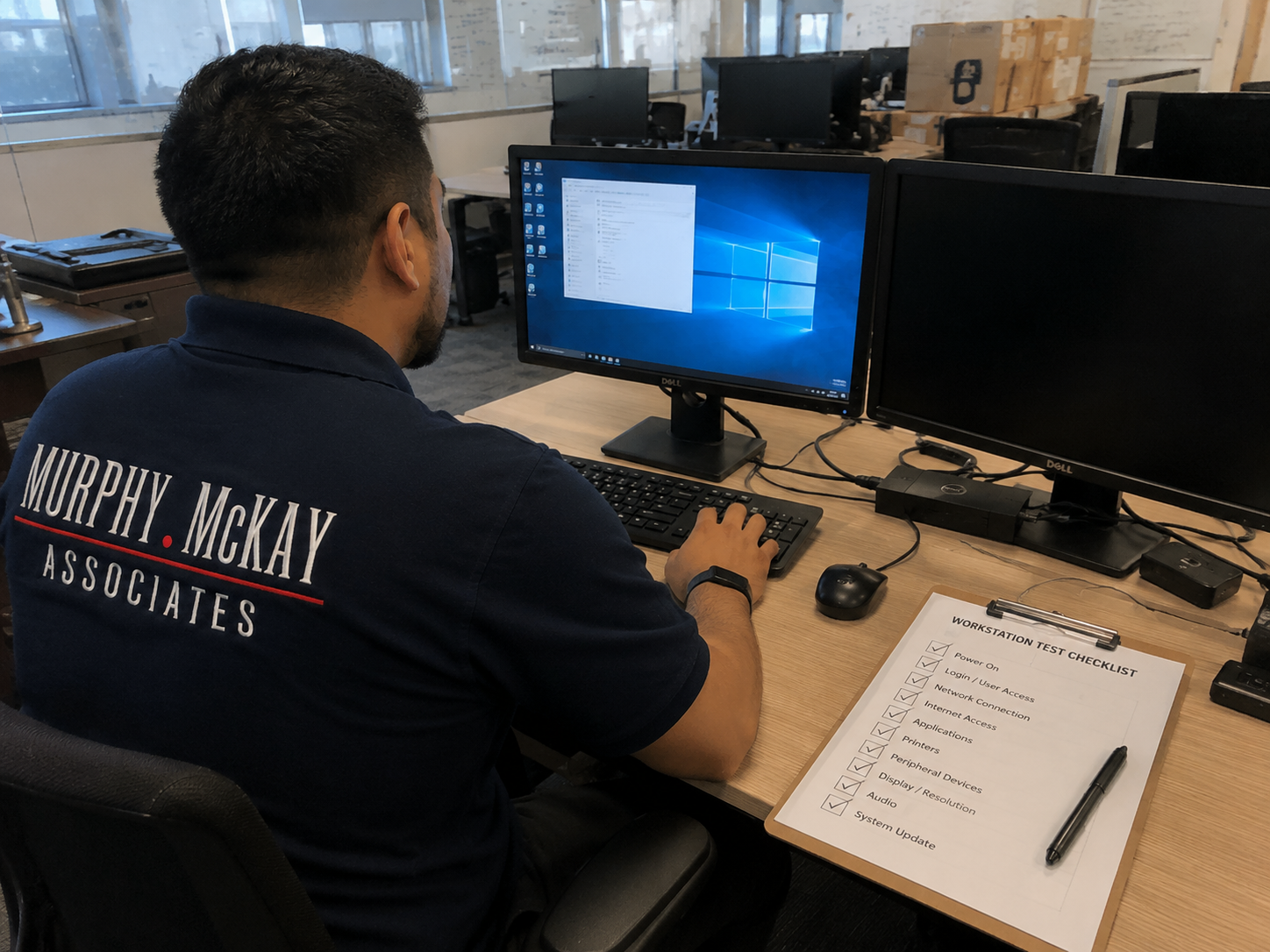
A workstation isn't finished simply because the computer turns on.
Technicians should verify network connectivity, displays, peripherals, phones, docking stations, and other essential equipment.
Testing before employees arrive helps uncover small problems that could otherwise become support tickets on the first day in the new office.
Validate the Network
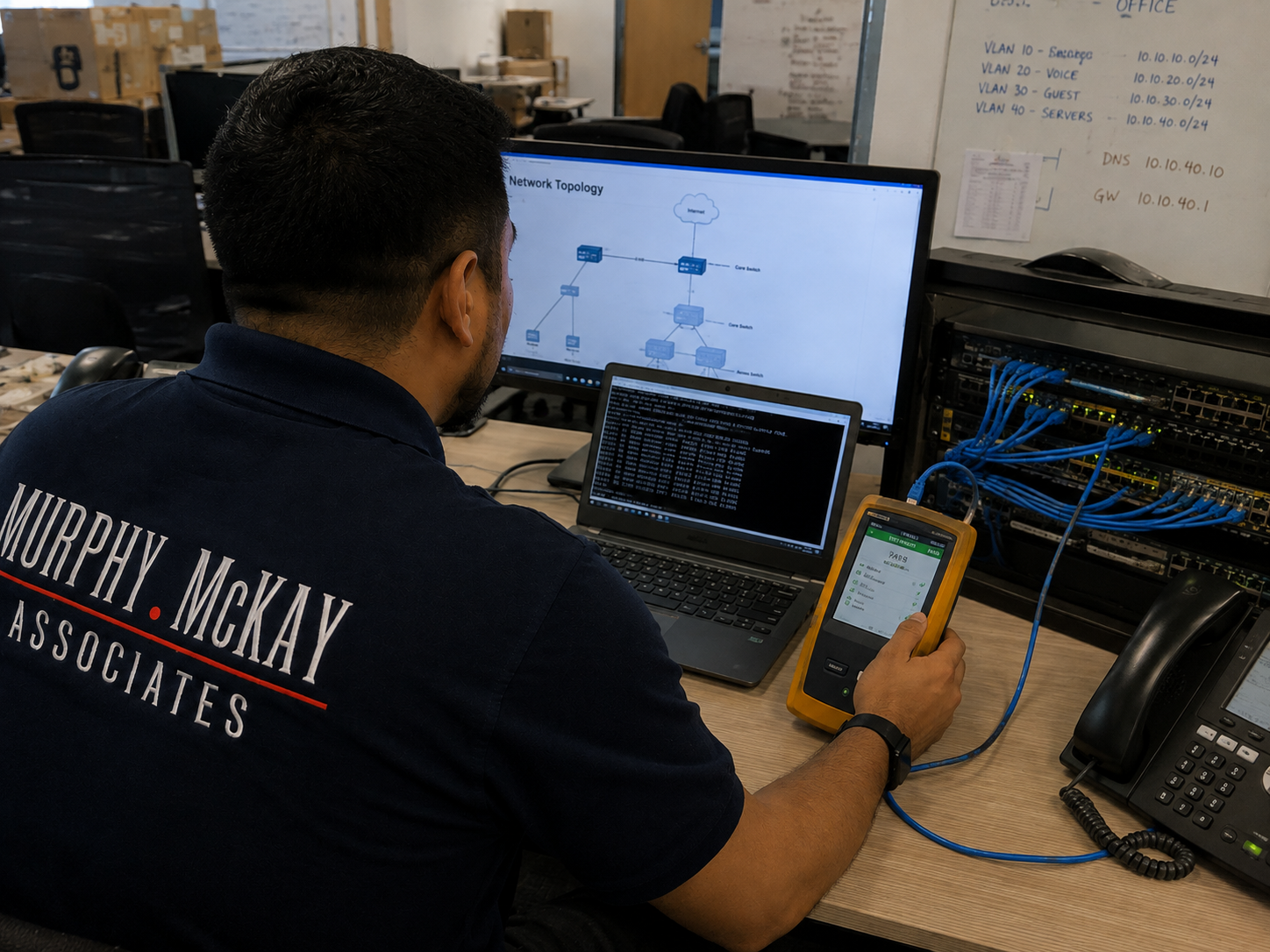
Network validation is one of the final—and most important—steps of an IT relocation.
Internet connectivity, internal network access, wireless coverage, printers, shared resources, telecommunications, and other critical services should all be tested.
The objective is to identify and resolve any issues before they interrupt normal business operations.
Have Support Available on Move Day
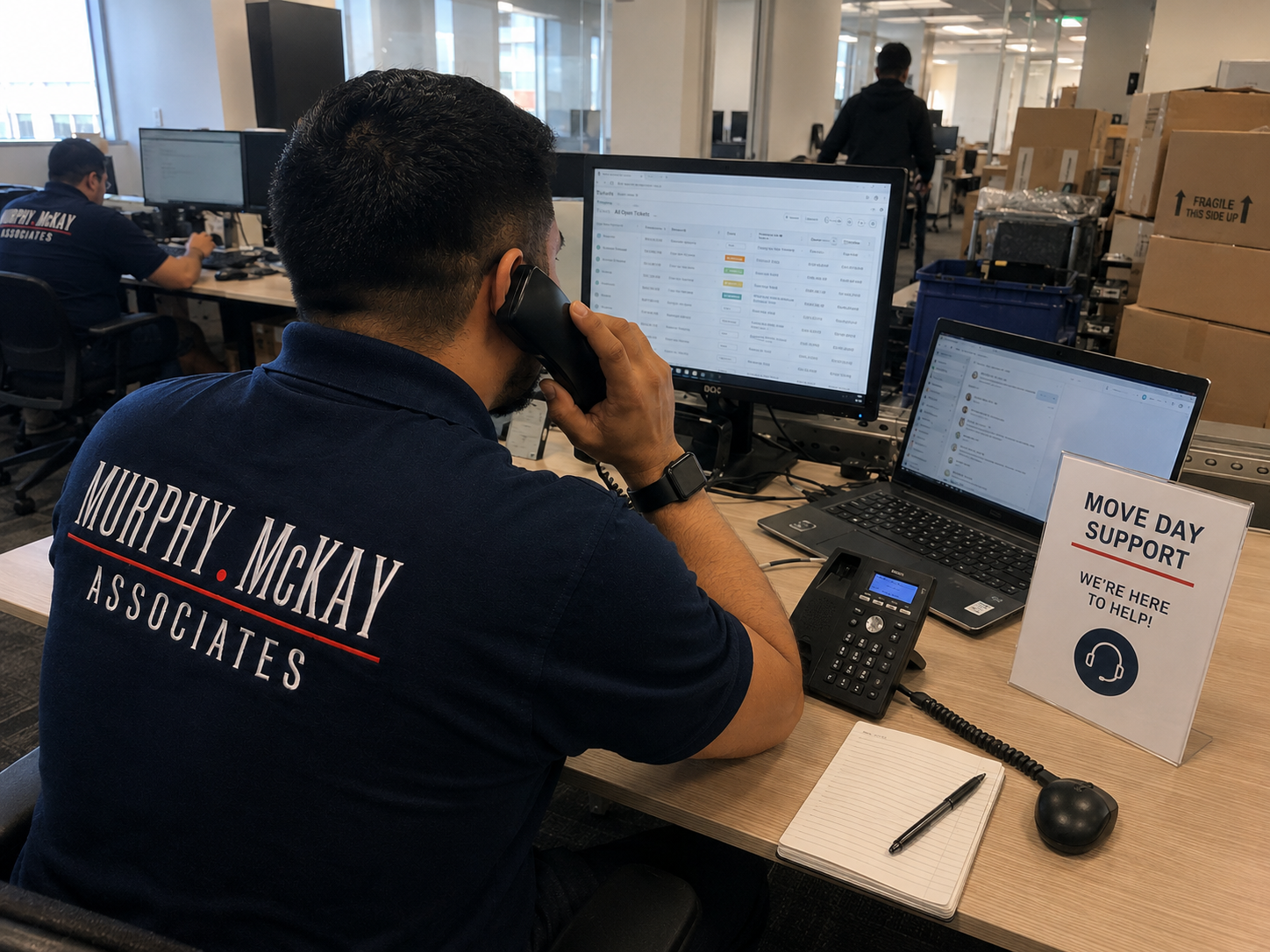
Even the best relocation plan can encounter unexpected issues.
Having experienced technicians available during the transition means problems can be addressed immediately instead of becoming extended disruptions.
Whether an employee can't connect to the network, a monitor isn't displaying correctly, or a device ended up at the wrong workstation, on-site support helps keep the move moving forward.
Communication Matters
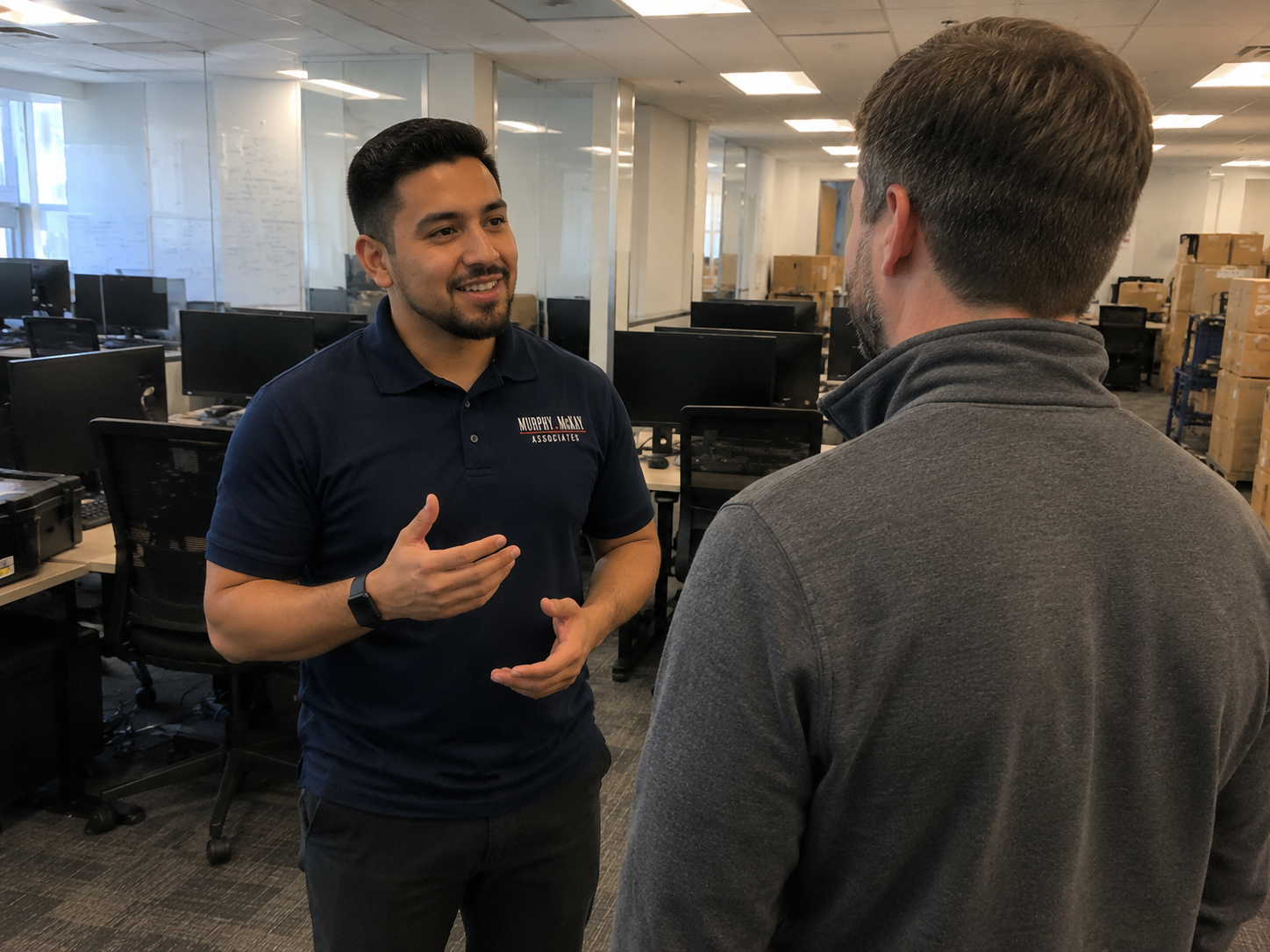
Employees should know what to expect before, during, and after the relocation.
Communicate important information such as when equipment will be disconnected, what employees need to pack themselves, when systems may be unavailable, and what they should expect when they arrive at the new office.
Clear communication reduces confusion and allows employees to focus on their work instead of worrying about the logistics of the move.
Experience Makes the Difference
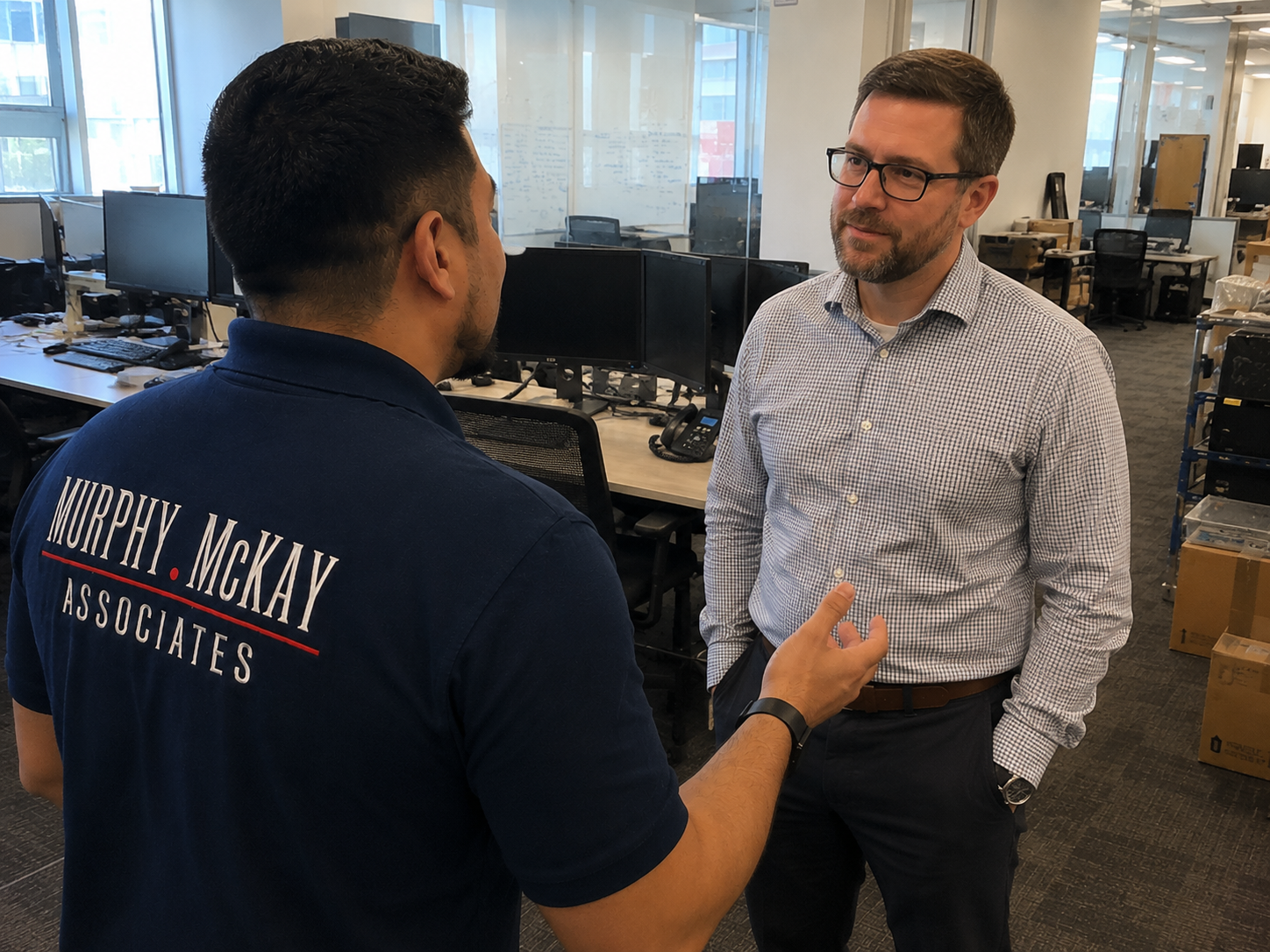
An office IT relocation can involve dozens of technical steps, and many of them need to happen in a specific order.
When inventory, labeling, cabling, disconnects, transportation, reconnects, testing, and network validation are properly coordinated, an otherwise complicated move becomes much more manageable.
At Murphy, McKay & Associates, our team helps businesses manage the technical side of office relocations from planning through move-day execution. Our focus is making sure your technology is properly handled, organized, connected, and ready when your employees walk through the door.
Planning an office relocation? Let Murphy, McKay & Associates help make sure your technology moves with you.